Sailing
Tacks, anchorages, and wind — with Signal K logbook import.
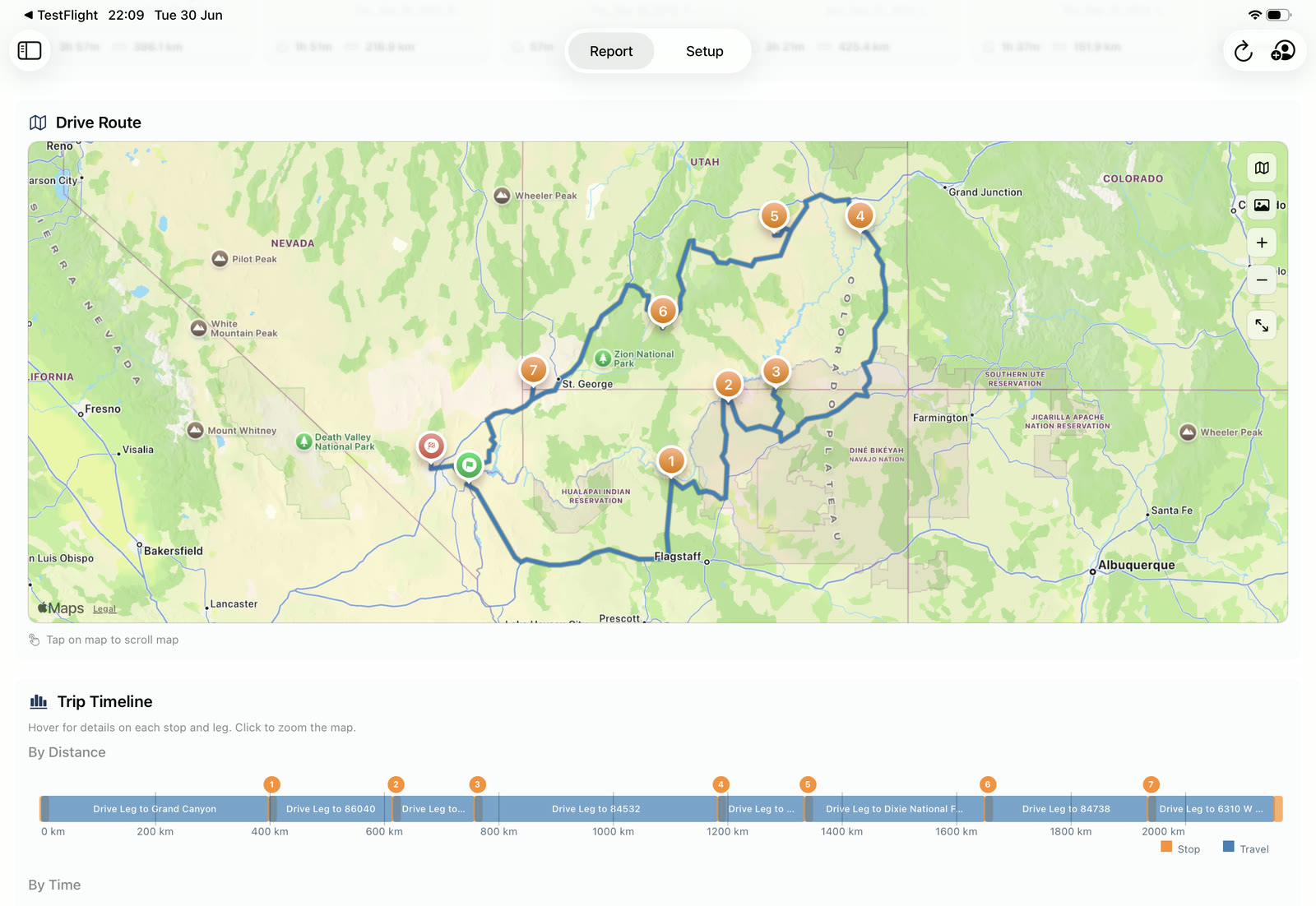
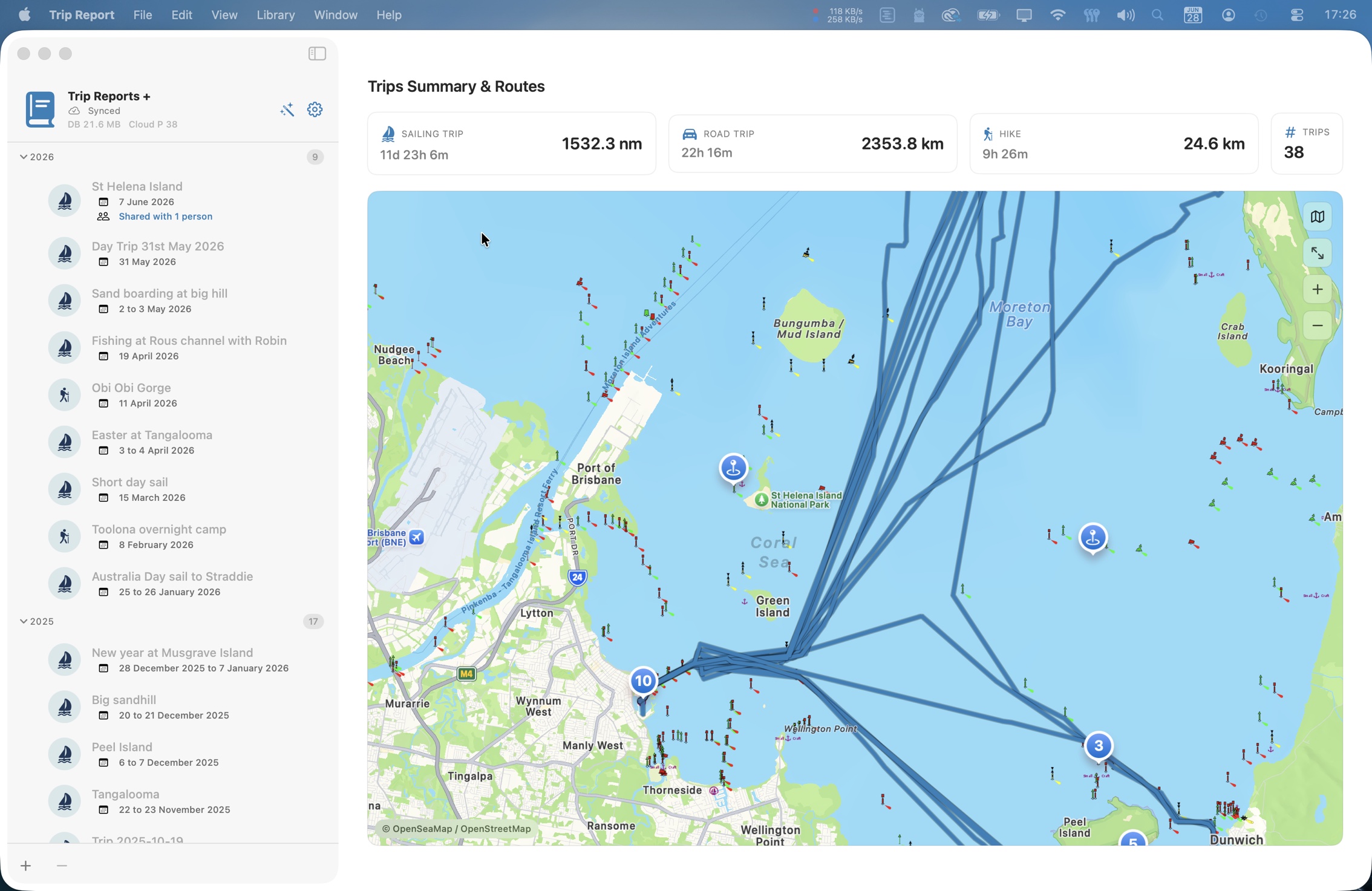
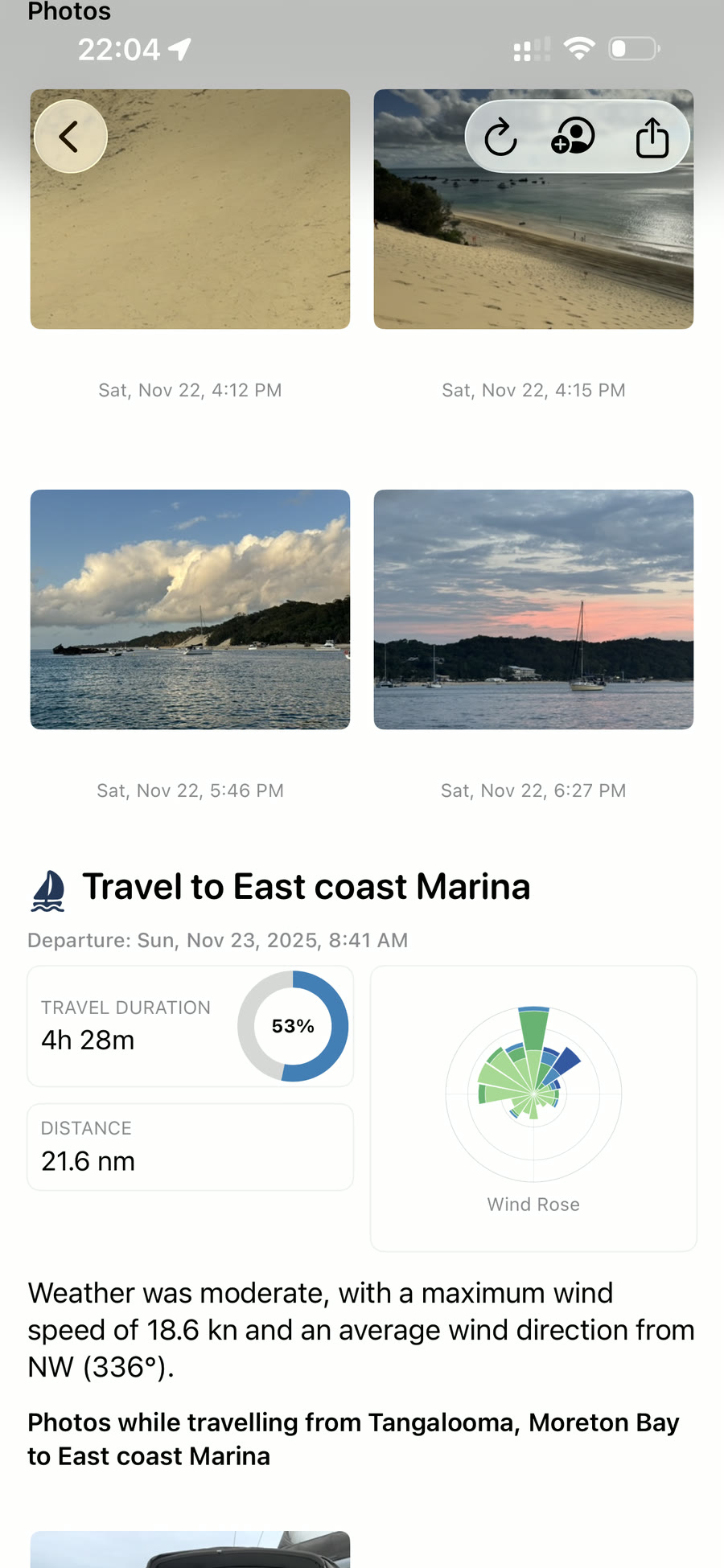
macOS · iPadOS · iPhone
Drop in your GPS tracks and photos. Trip Report segments your journey into legs and stops, aligns your photos to the map, and creates a polished story you can share, print or keep.
Create on Mac or iPad · View free on iPhone · Private iCloud sync
One app, four journeys
Pick a profile per trip — labels, icons, and visuals adapt to match. The data underneath stays the same.
Tacks, anchorages, and wind — with Signal K logbook import.
Motoring legs, marinas, and speed over ground on the chart.
Road trips broken into drives and stops, mile by mile.
Trails, elevation, and rest points captured automatically.
How it works
Four steps. Most of them happen on their own.
Add GPX tracks and photos — or pull a Signal K logbook directly.
Trips split into legs and stops; photos snap to their position on the map.
Review the complete story in a native preview and tweak the template.
Export self-contained HTML or paginated PDF, or share the trip via iCloud.
See it in action
From importing logs to the finished result — on Mac and on iPad.
One trip, every device
Create and edit on Mac or iPad, then open the same trip on iPhone in a free, native viewer. Either pairing gives you the full picture — Mac + iPhone or iPad + iPhone.
Public sailing logbook
From Mac or iPad, publish privacy-filtered Sailing trips to iCloud, then export a static logbook to host at your own web address. Keep its data current from Mac or iPad;
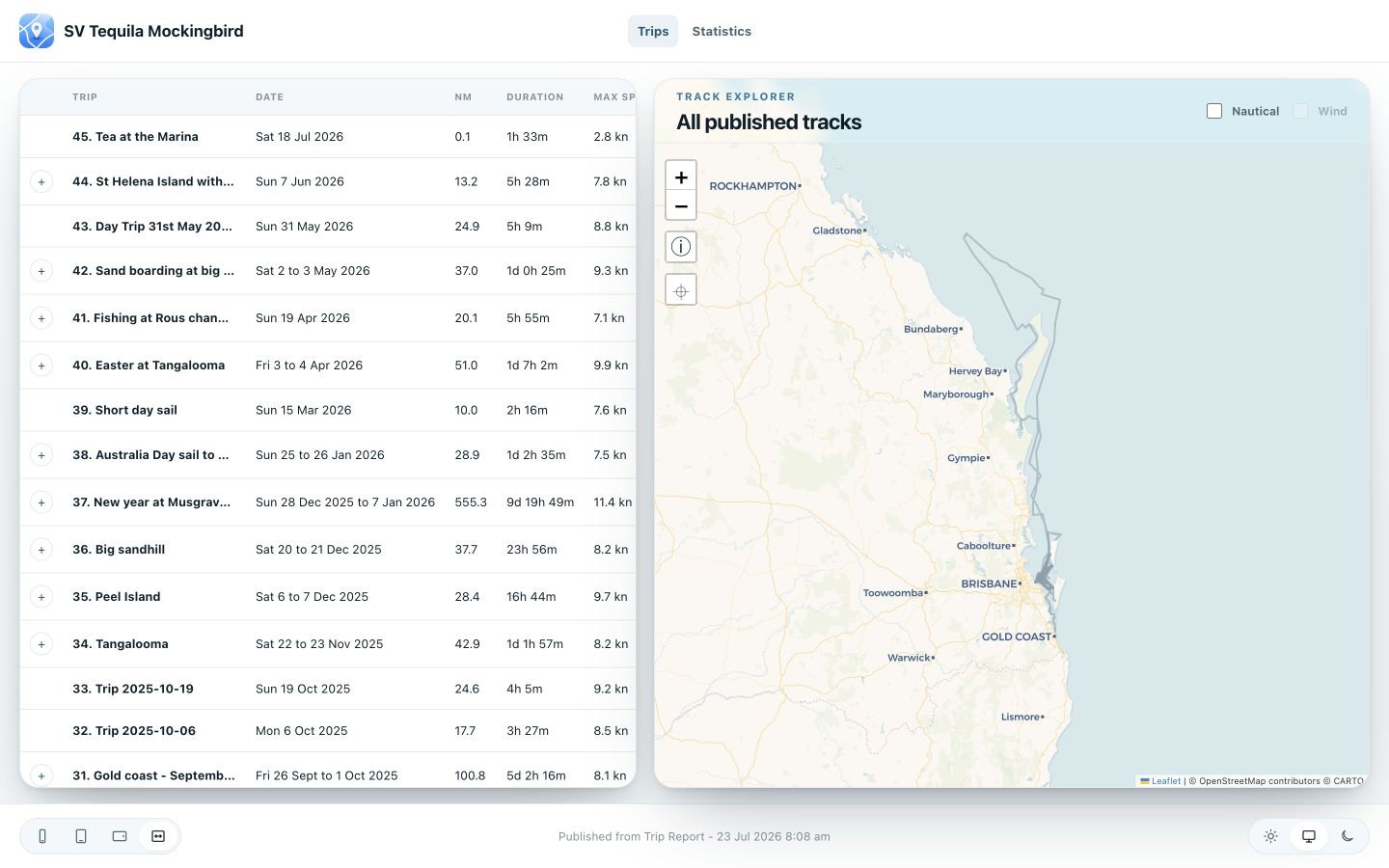
Journey gallery
Activity-colored tracks, wind & speed charts, and a clean layout.
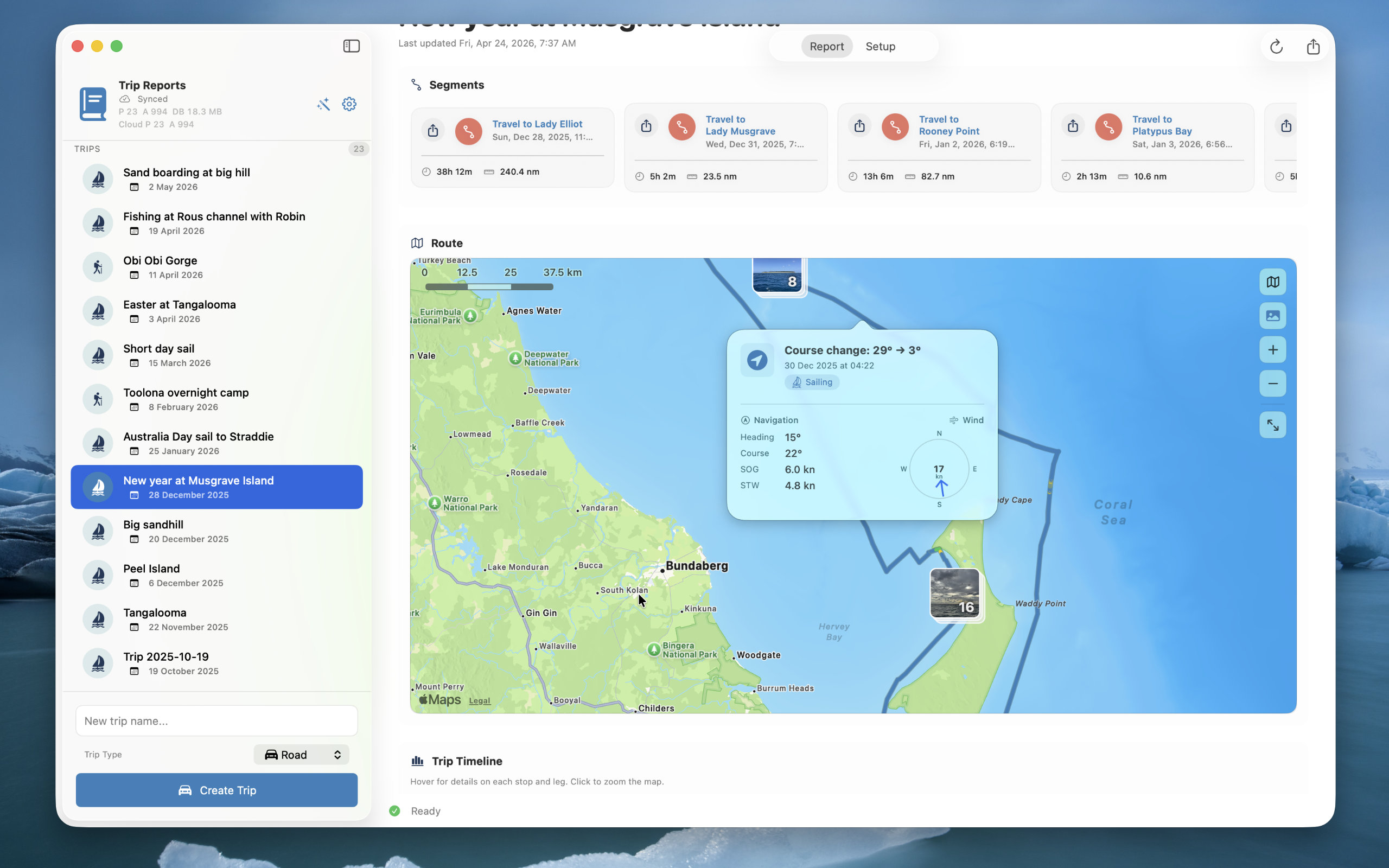
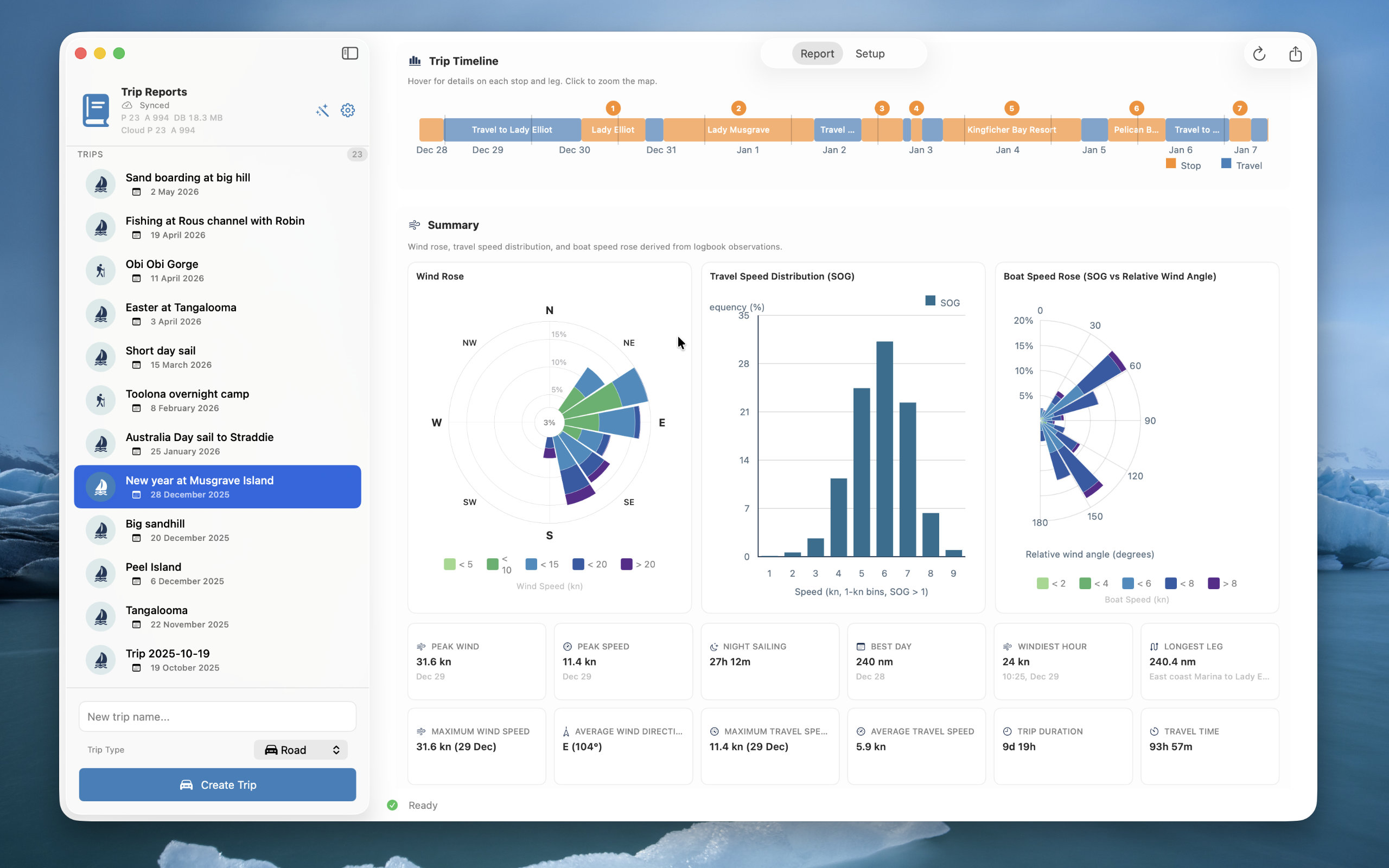
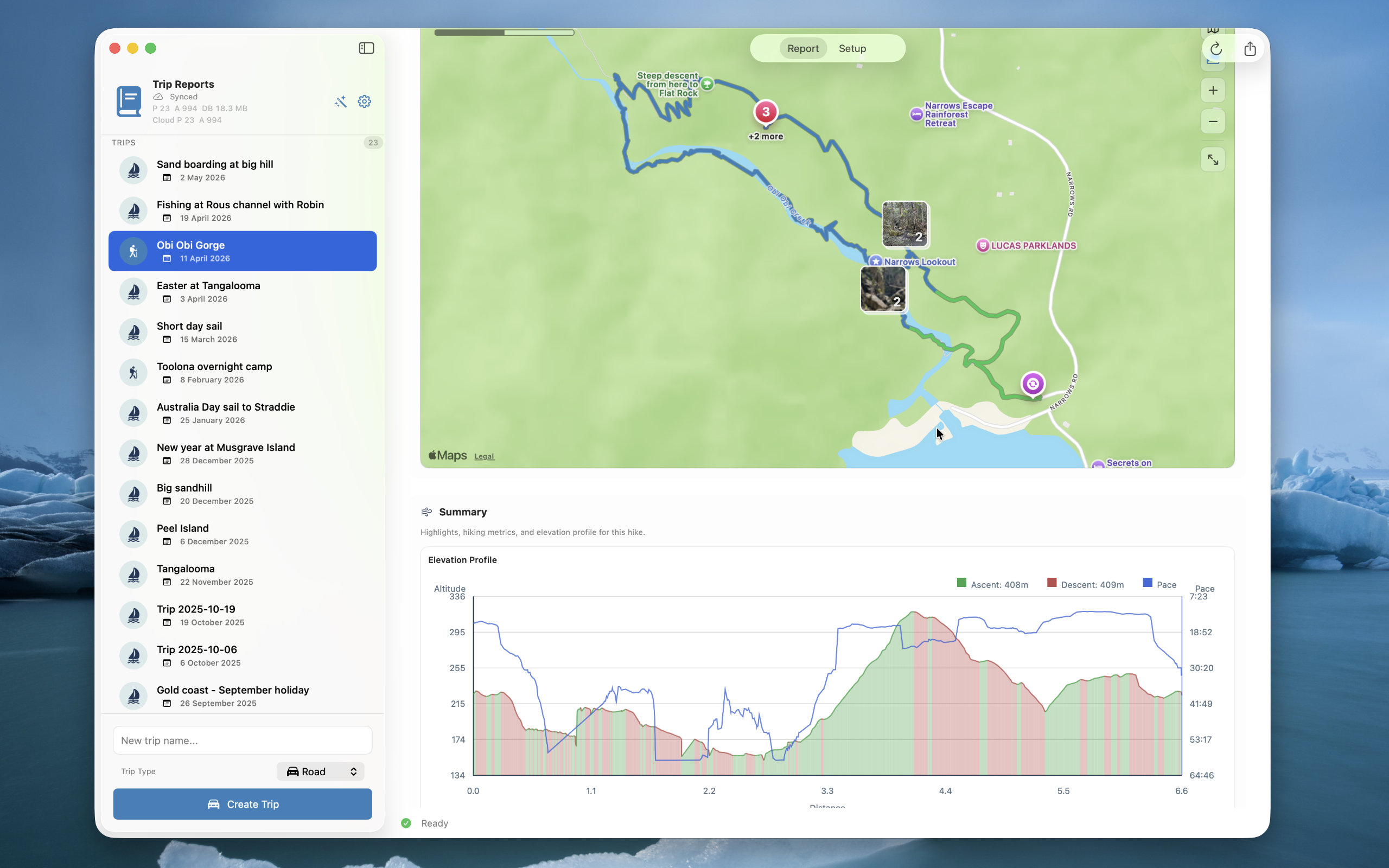
Your trip library stays in your own iCloud and syncs privately between your devices. Nothing becomes public unless you share a trip or publish privacy-filtered Sailing data, and you can withdraw that publication from Mac.
Available for macOS, iPadOS, and iPhone.